
2.1 Login using a Phone Number
Choose your Login Method
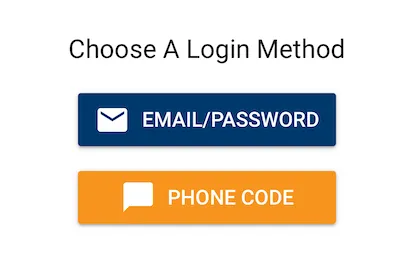
From the “Choose a Login Method” screen, click Phone Login.
Enter your Phone Number
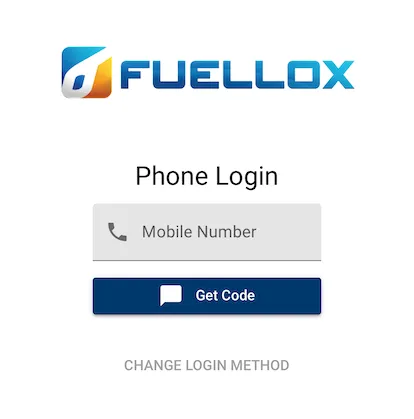
Enter your phone number and click Get Code.
Note, if outside Australia, also enter your area code. ie +1 for USA and Canada
Enter your Phone Login Code
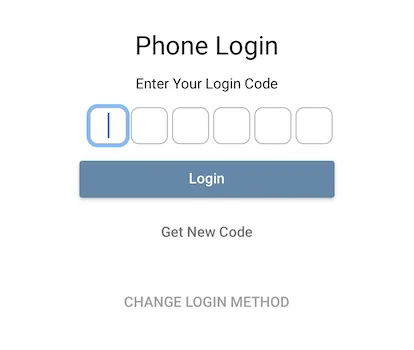
The Fuellox server shall send you a one time activation code. Enter the Login Code and click Login to proceed.
Change Login Method
To go back to the choose a Login Method, just click the Change Login Method Link